
Introducing Takecare 4.0.0: Exploring Our New Web Interface
Step by step, discover the new features and see how they can revolutionize your user experience.
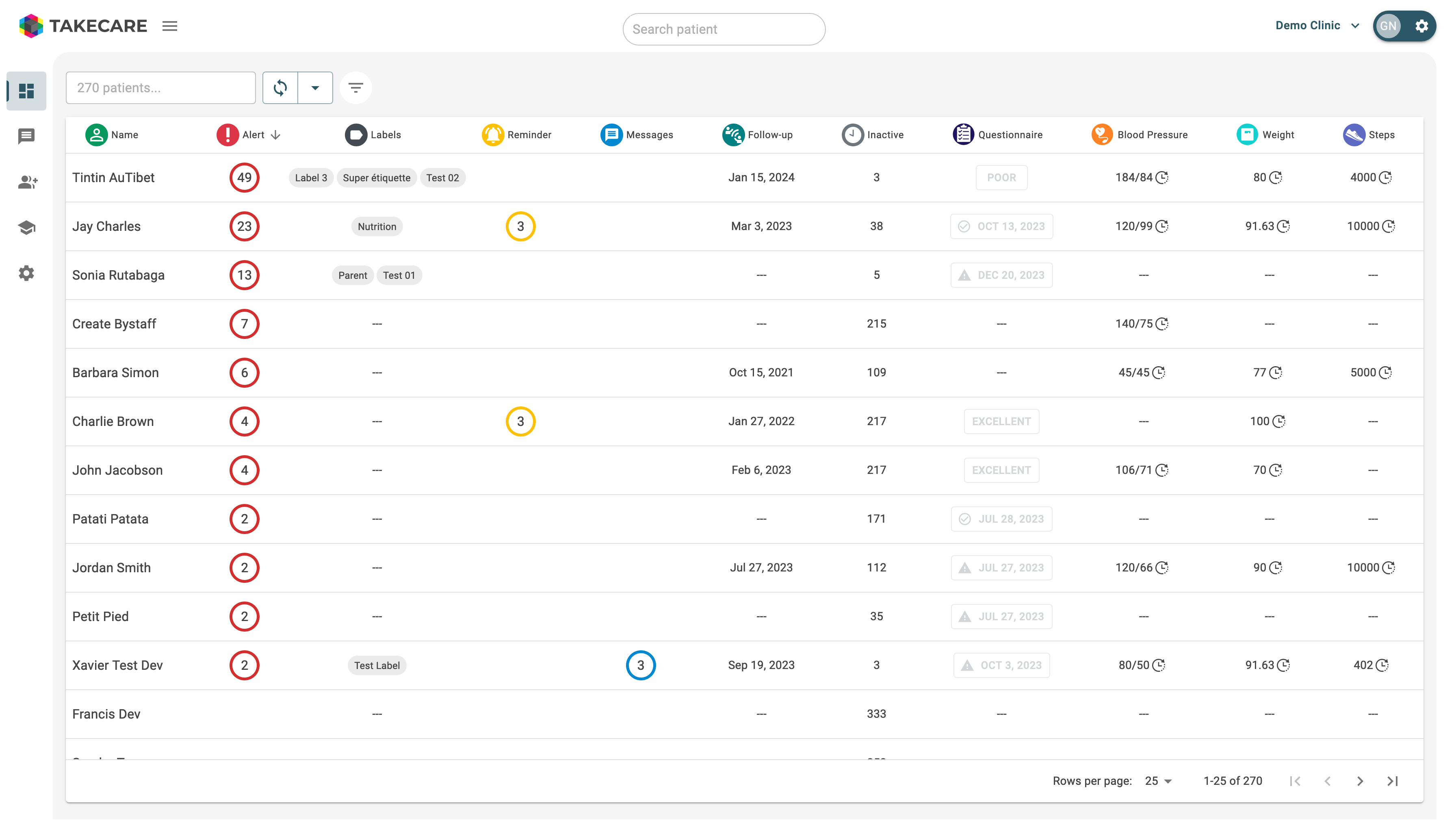
1. Modernized theme and simplified color palette
The new visual theme is designed for increased clarity and simplicity. Notice how the streamlined colors aid in better focus.
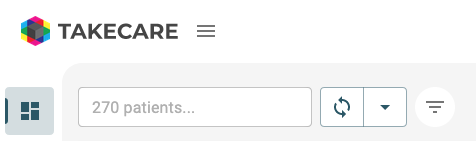
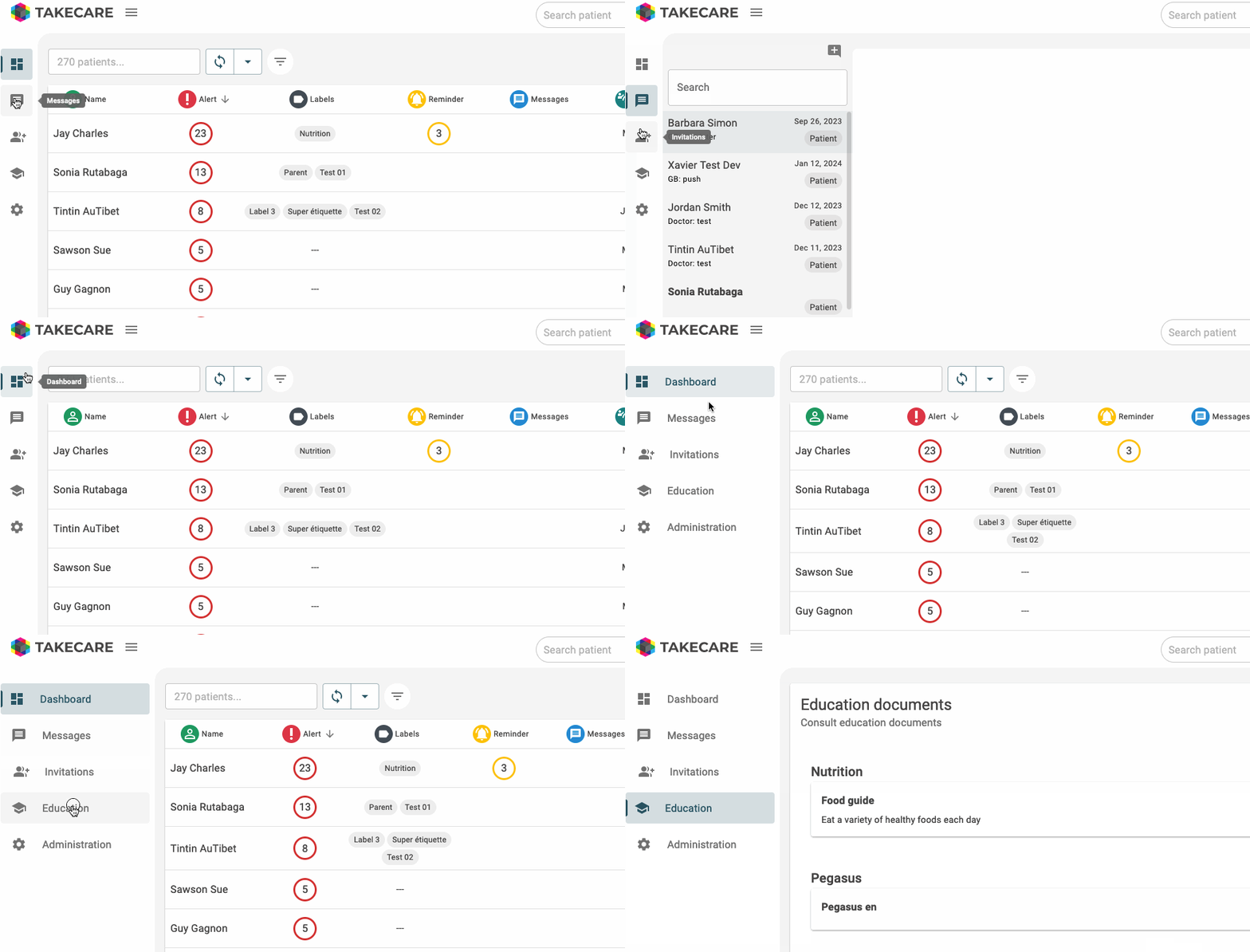
2. Reorganized menu for easy access
Accessing key features is faster than ever. The reorganized menu remains visible no matter where you are on the site.
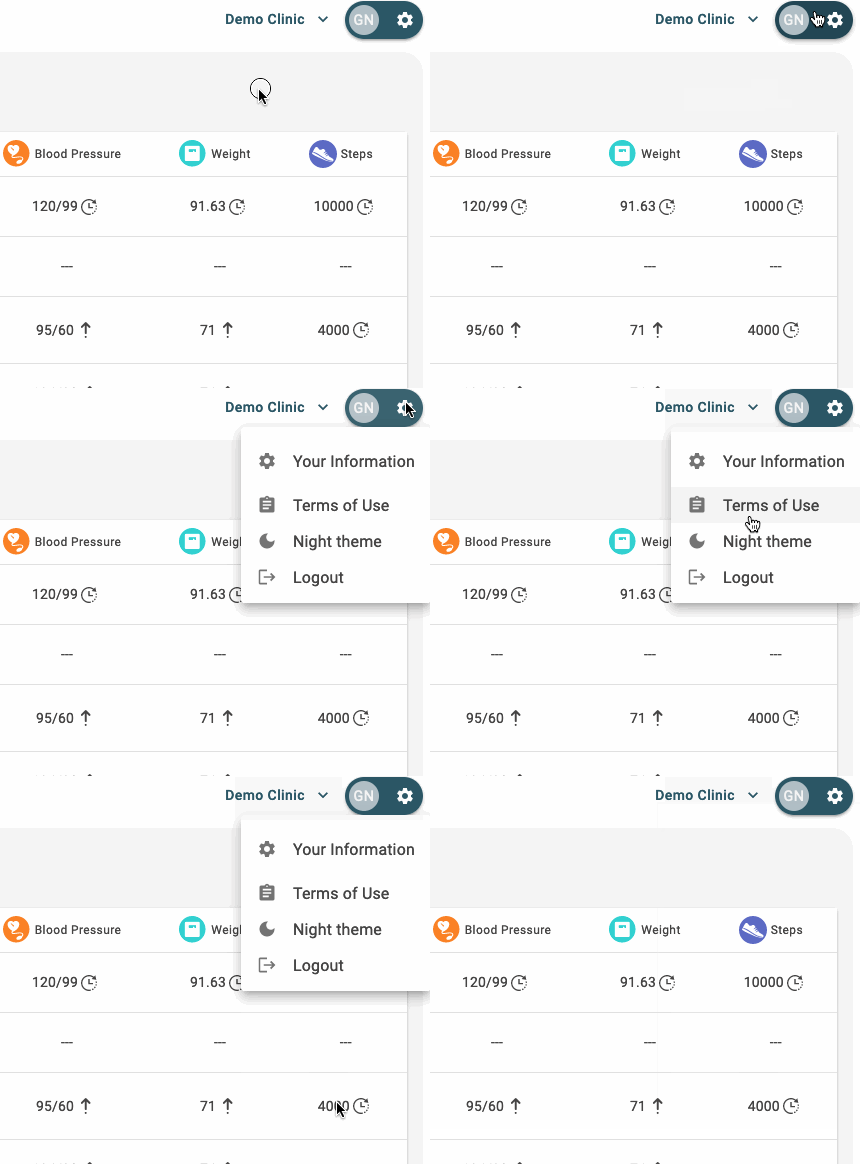
3. Distinct menu for user profile
We created a separate menu for the user profile menu, allowing for more focused navigation.
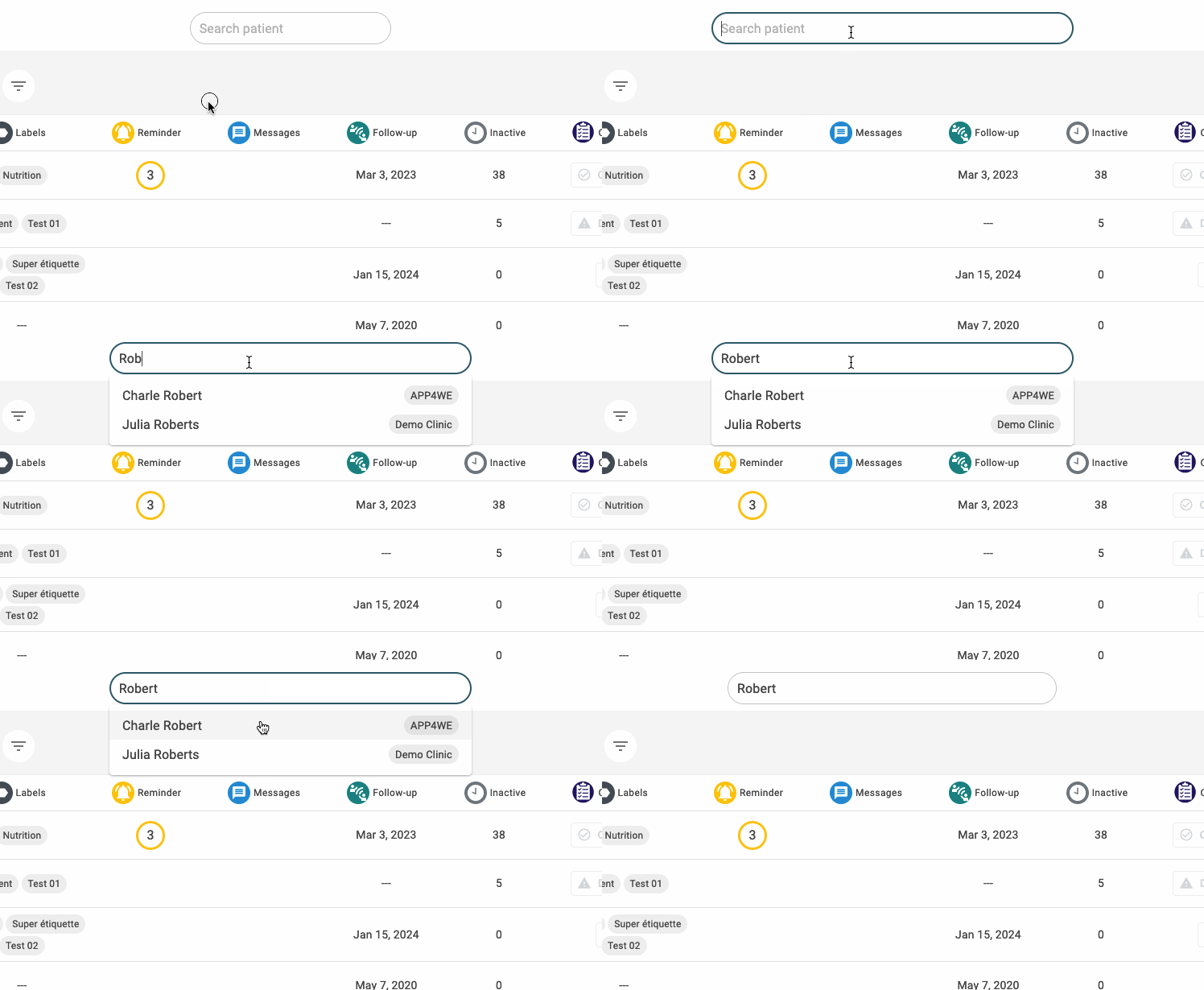
4. Inter-clinic patient search
The search functionality has been completely redesigned to allow you to quickly find a patient through the different clinics to which you have access.
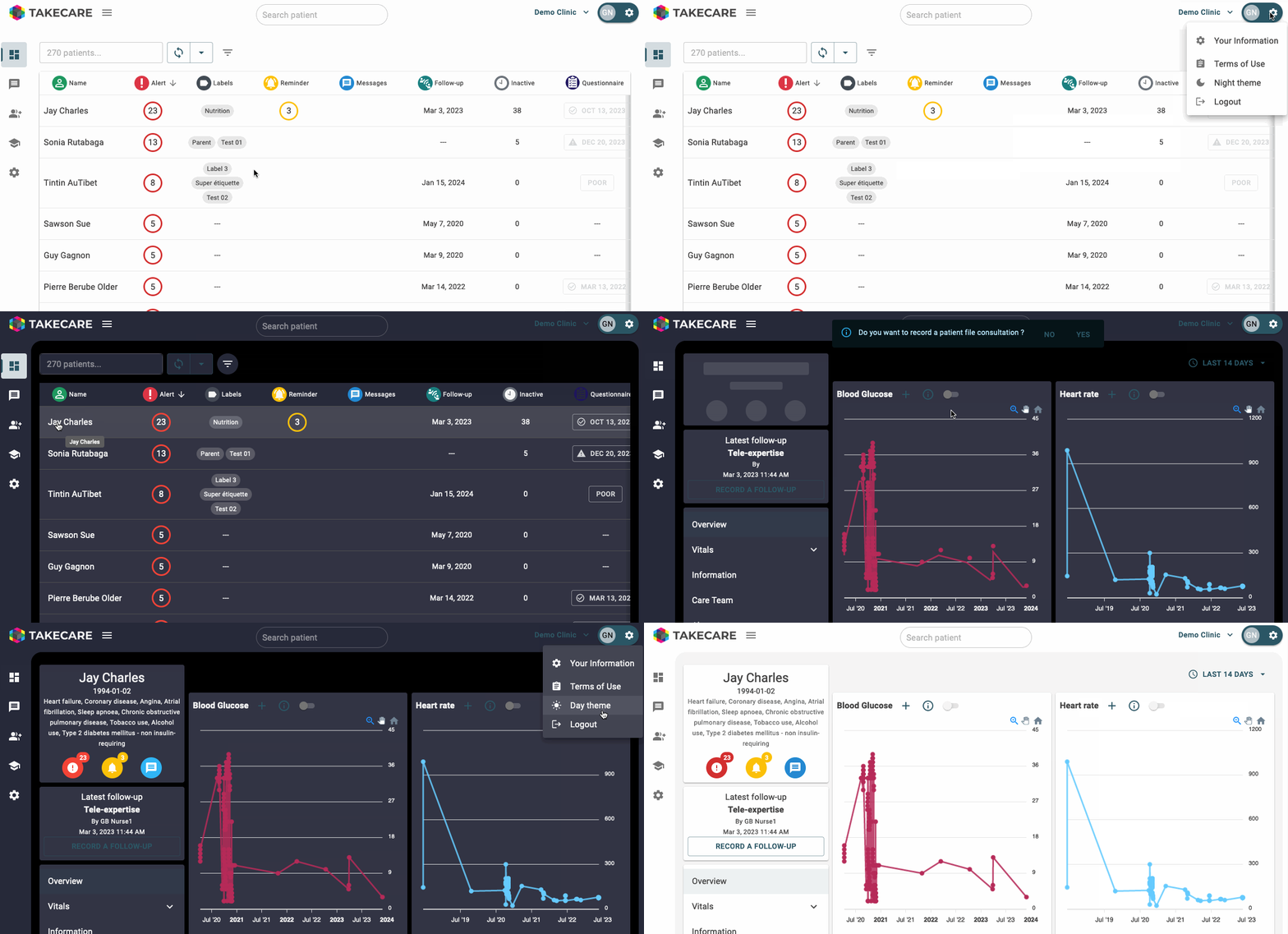
5. Dark mode
Dark mode is now available to reduce eye strain during prolonged use, especially in dimly lit environments.
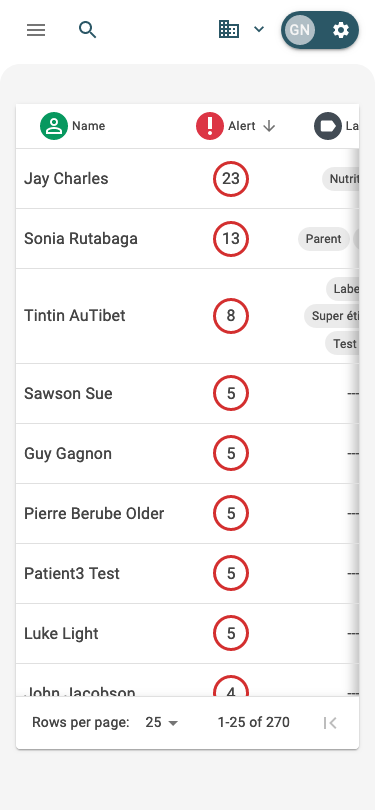
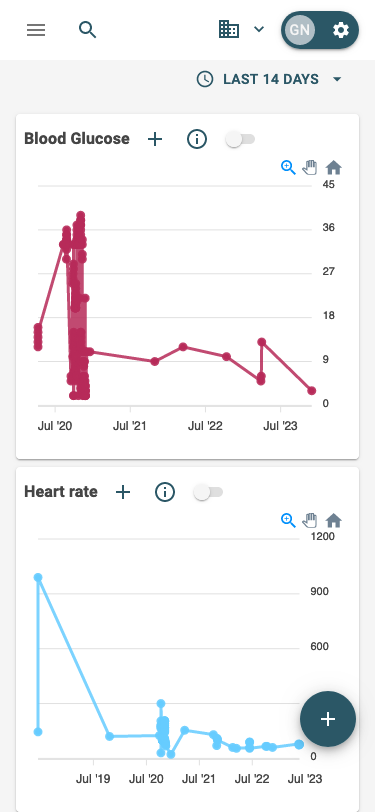
6. Enhanced mobile and tablet compatibility
The interface has been optimized for mobiles and tablets, ensuring a smooth user experience regardless of the device used.
With these enhancements, we are committed to providing you with an improved and intuitive user experience. We encourage you to explore these new features and share your feedback.